

Complete Guide to Access Control System Installation: Planning, Implementation & Best Practices
Businesses and property owners looking to enhance security, manage access, or meet regulatory requirements should use an access control system. Whether the access control system is for a store, a mall, an office or warehouse, or even an apartment complex, understanding the installation and configuration process can help manage the system effectively and result in savings in both cost and time. In this article, you will learn the complete installation guide for access control systems, including the different types of systems, hardware, software, installation, integration, testing, and management, which are important in the installation process.
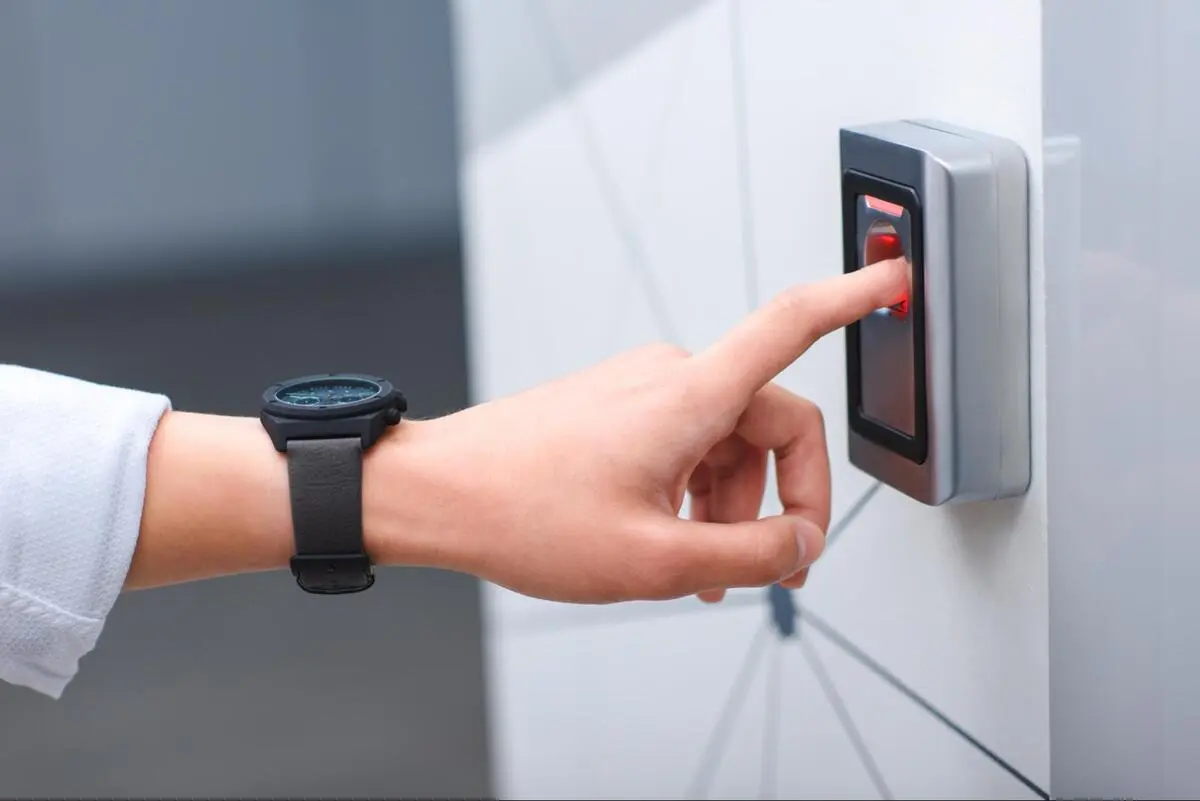

Introduction to Access Control Systems
An access control system installation enables organisations to manage who enters or exits specific areas, replacing traditional locks and keys with digital or electronic solutions. These systems are essential for:
- Preventing unauthorised entry
- Protecting sensitive data and assets
- Monitoring employee and visitor movement
- Ensuring safety and compliance with local regulations
Modern access control solutions also allow for scalability, mobile access, and integration with security cameras and alarms, making them indispensable for contemporary businesses.
Types of Access Control Systems
You can put access control systems into groups based on how they give out credentials and what technology they use:
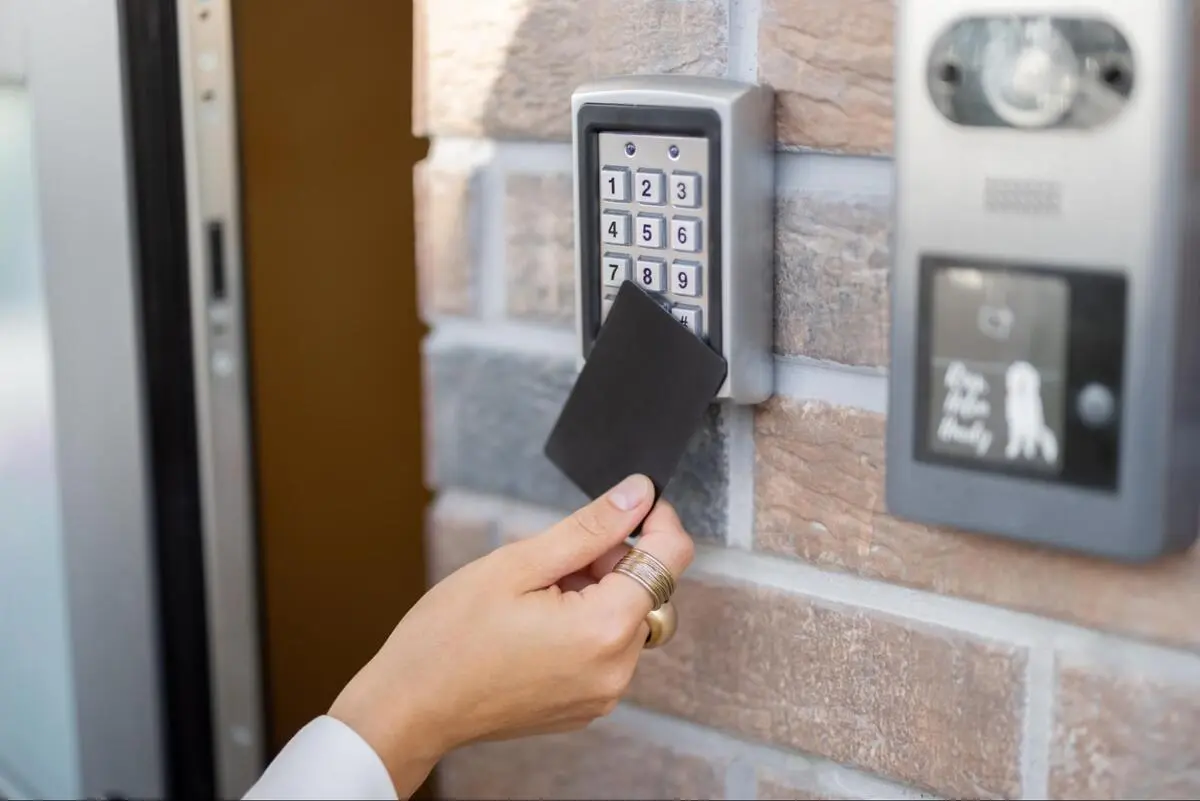
- Keycard or Proximity Systems – Use cards or fobs to unlock security door access control systems
- Keypad Systems – Require PIN codes for entry
- Biometric Systems – Use fingerprints, facial recognition, or iris scans
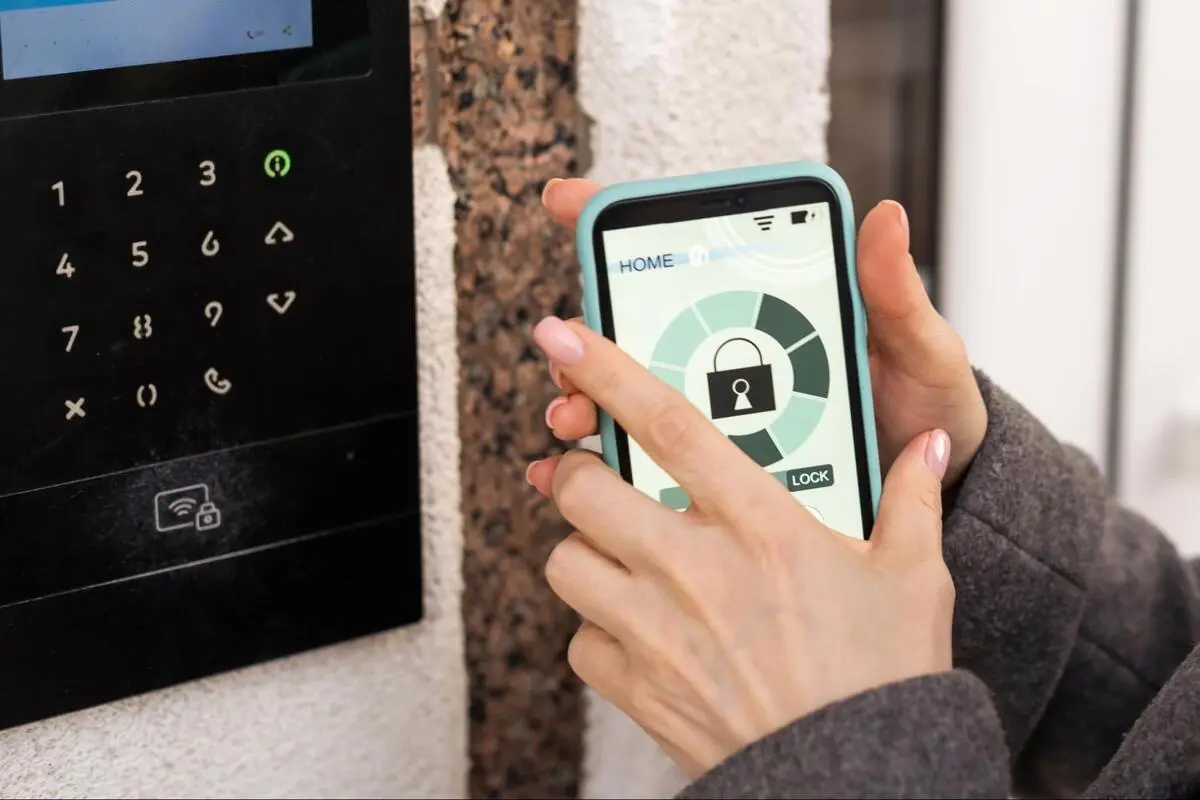
- Mobile & Cloud-Based Systems – Allow access via smartphones or cloud platforms
| System Type | Best For | Pros | Cons |
|---|---|---|---|
| Keycard | Offices, schools | Affordable, scalable | Cards can be lost |
| Keypad | Small offices, storage rooms | Simple, low cost | Shared codes reduce security |
| Biometric | High-security areas | Very secure, unique | Higher cost |
| Mobile / Cloud | Flexible workplaces | Remote management, scalable | Dependent on device/internet |
Pre-Installation Planning and Assessment
Before you install an access control system, thorough planning is essential:
- Conduct a site survey – Identify entry points, sensitive areas, and security risks.
- Define access levels – Decide who should have access to specific doors or gates.
- Evaluate system requirements – Consider scalability, integration with CCTV/alarm systems, and reporting needs.
- Budget planning – Estimate total cost including hardware, software, labour, and maintenance.
Planning makes sure that the system meets operational and security needs and stops costly mistakes.

Hardware and Software Components
A complete access control implementation guide includes understanding the key components:
Hardware:
- Door locks (magnetic or electric strikes)
- Readers (card, biometric, or keypad)
- Control panels
- Exit buttons and alarms
Software:
- Management software for monitoring and reporting
- Credential databases
- Mobile and cloud apps for remote access control
Choosing the right hardware and setting up the software correctly are very important for reliability and long-term ROI.
Step-by-Step Installation Overview
- Mount and wire readers and locks at all entry points
- Install control panels and connect them to power and network systems
- Configure management software with user credentials and access permissions
- Work with current security systems, such as alarm systems or CCTV.
- Perform system testing and validation to ensure proper operation.
Key Tips:
- Label cables and document connections – Easier troubleshooting later
- Set up backup power or UPS – Prevents system downtime
- Train users – Ensures smooth daily use
Integration, Testing, and Validation
Integration makes sure that your access control system can talk to the infrastructure that is already in place:
- Sync with security cameras to monitor in real time.
- For immediate alerts, integrate alarm systems.
- Test each door/gate and credential type for functionality.
- Validate user access levels and logging accuracy.
A thorough testing phase stops security holes and mistakes in operations.
Maintenance, Ongoing Management, and Cost Considerations
Regular maintenance is essential to preserve system performance:
- Software updates and firmware upgrades
- Battery replacement for wireless components
- Periodic review of access logs and user credentials
- Troubleshooting hardware malfunctions
Cost considerations: While initial DIY setups may appear cheaper, professional access control system installation offers long-term savings by preventing errors, reducing downtime, and extending hardware lifespan.
How long does a typical access control installation take?
A standard office or commercial setup can take 2–5 days, depending on the number of doors, complexity, and integration requirements. Planning and pre-installation assessments typically take 1–2 days.
Compliance and Regulatory Requirements
When implementing an access control system, businesses must consider:
- Singapore building and safety codes
- Data protection regulations for employee and visitor data
- Fire safety compliance and emergency exit integration
- Industry-specific security standards
Expert installers guarantee that your system satisfies all legal and regulatory requirements.
Choosing the Right Installation Partner
Selecting the right provider is critical for achieving a secure and efficient system. A professional partner can:
- Offer a full access control system installation service from planning to maintenance
- Provide warranty, support, and technical expertise
- Ensure scalability and integration with existing security infrastructure
- Advise on cost-effective solutions while maintaining high security standards
Conclusion
The implementation of an access control system is more than just a security requirement; it is an investment in safety, efficiency, and peace of mind. This includes planning, component selection, implementation, and maintenance, as discussed in an access control implementation guide.
Comnet specialises in providing customised access control system installation solutions in Singapore. Our team is comprised of experienced, skilled, and professional staff with a proven track record of delivering access control system solutions that meet individual needs. Partnering with us for access control system solutions ensures that you get the most out of it.
FAQs
- Can I install an access control system myself?
You can for small systems, but mistakes in wiring or setup may cause performance issues and void warranties. - How much does professional installation cost?
It varies based on requirements, but professional services help avoid costly errors and future repairs. - What is the best type of access control system?
There’s no one-size-fits-all solution. High-security environments may prefer biometrics or cloud systems, while smaller setups can rely on keypads or cards. - Can I integrate an access control system with my CCTV?
Yes, integration enables thorough access logs, alarms, and real-time monitoring. - How often should I maintain my access control system?
Routine checks should occur quarterly, including hardware inspection, software updates, and credential reviews.
Related Articles:


Biometric Access Control Systems: Fingerprint, Facial & Retina Explained
The buildings in the modern world need an effective method of controlling the entrances and exits....
DIY vs Professional Access Control Installation: Which Saves More
At Comnet, our clients frequently inquire about the advantages and disadvantages of do-it-yourself...
How to Choose the Right Access Control System for Your Building or Property
Security measures for contemporary buildings and properties have gone beyond the use of...


Singapore Office (HQ)
| Comnet Systems Pte Ltd | ||
| Address: | Block 1002 Jalan Bukit Merah #07-01/03 Singapore 159456 |
|
| Main: | +(65) 6272 3383 Click to Call | |
| Support: | Tech@Comnet.sg | |
| Enquiry: | Sales@Comnet.sg |
Philippines Office
| Comnet Systems Integration Inc. | ||
| Address: | Unit 6G , CBC Corporate Center, 724 Shaw Blvd, City of Mandaluyong, Second District, NCR, Philippines, 1555 |
|
| Main: | +63 2 85247088 Click to Call | |
| Support: | general@comnet.ph |